Lightroom Presets & Beginner Editing Guide
Making photo editing more approachable for beginner creators
Role & Timeline
Role: Digital Product Designer and Creator
Project Type: Independent, solo project
Timeline: Fall 2026, ICM 500 course project
Tools: Adobe Lightroom, Canva, Pinterest, and Instagram
Context
I created a Lightroom preset collection and beginner-friendly editing guide for creators who want to improve their photos without feeling overwhelmed by complicated editing tools. The product combines ready-to-use presets with practical editing instructions, helping users explore different aesthetics while learning how to make adjustments to their own photos.
Problem
- Beginners may struggle to understand Lightroom’s editing tools and not know where to start.
- Editing photos individually can be time-consuming, especially when trying to achieve a consistent aesthetic.
- Presets do not always produce the desired result on every photo, making it important to understand how to customize settings while maintaining natural-looking skin tones, lighting, and a look that is unique to you.
My Approach
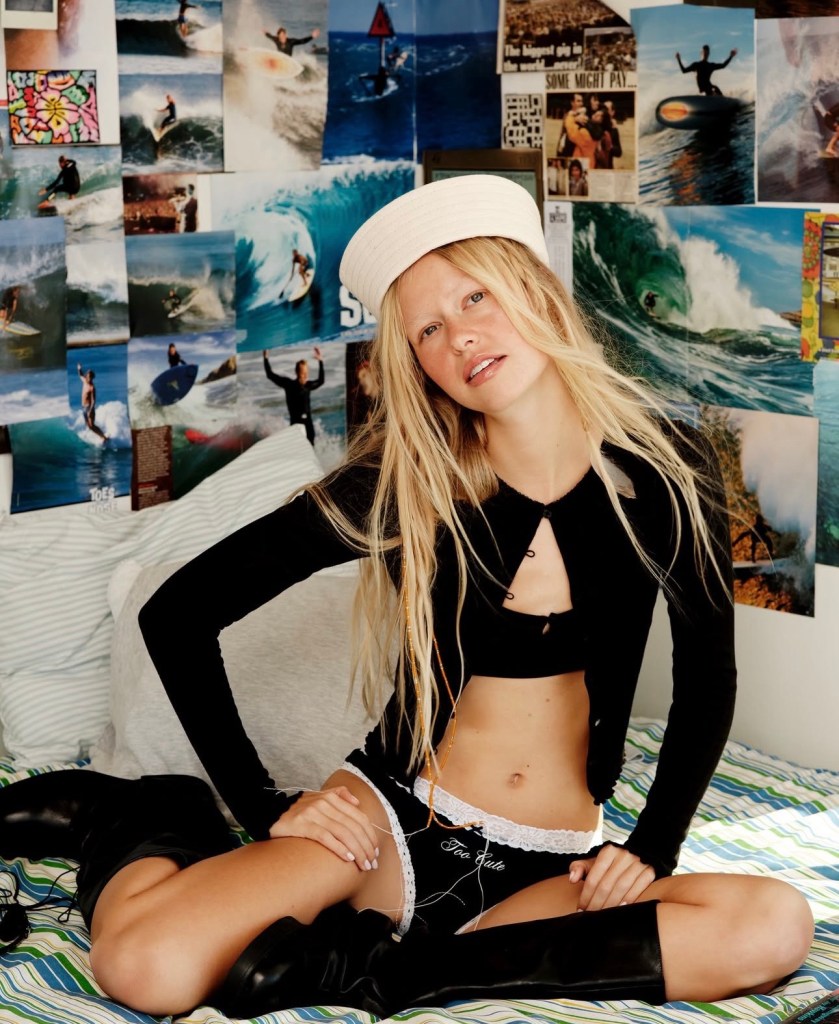
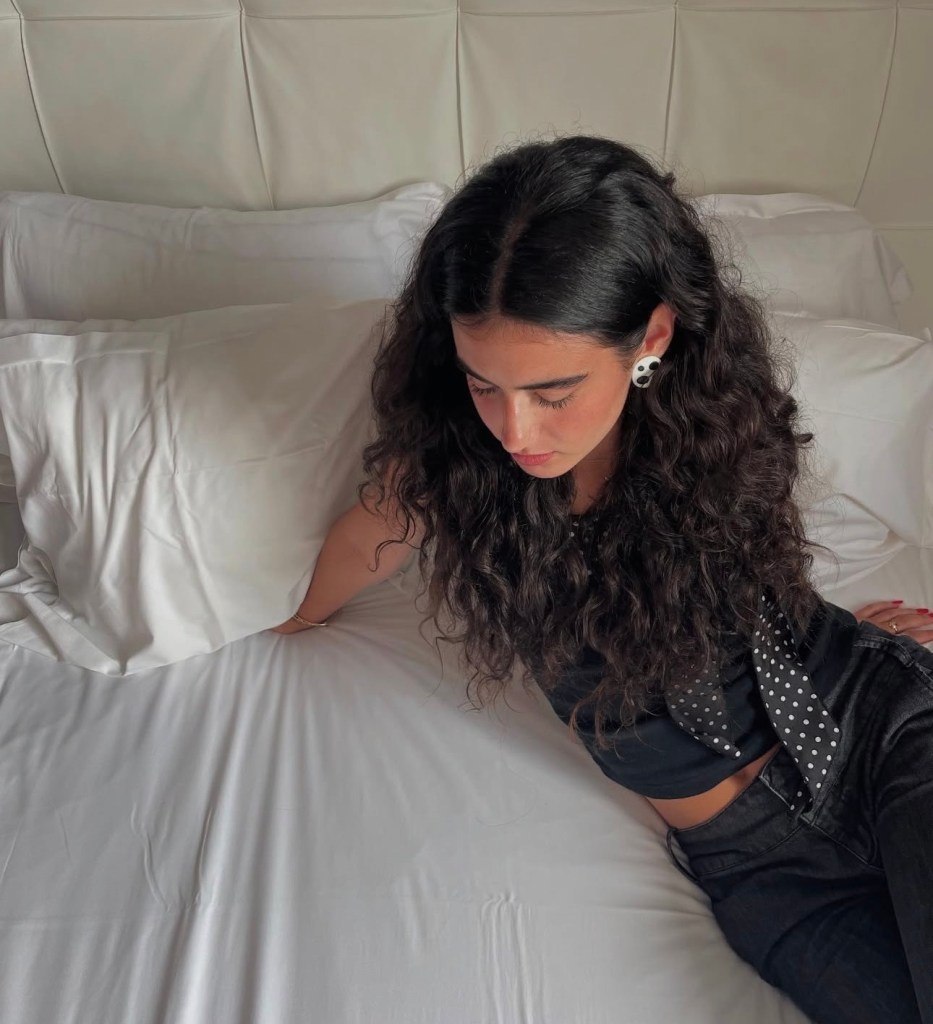
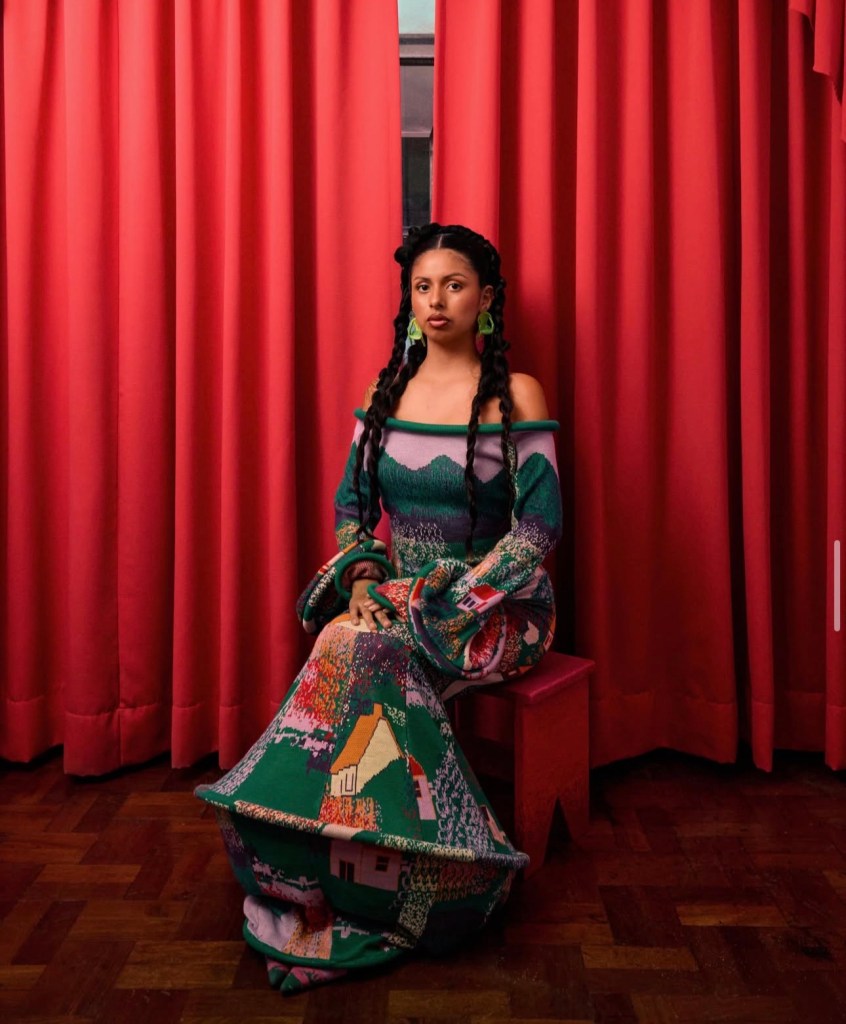
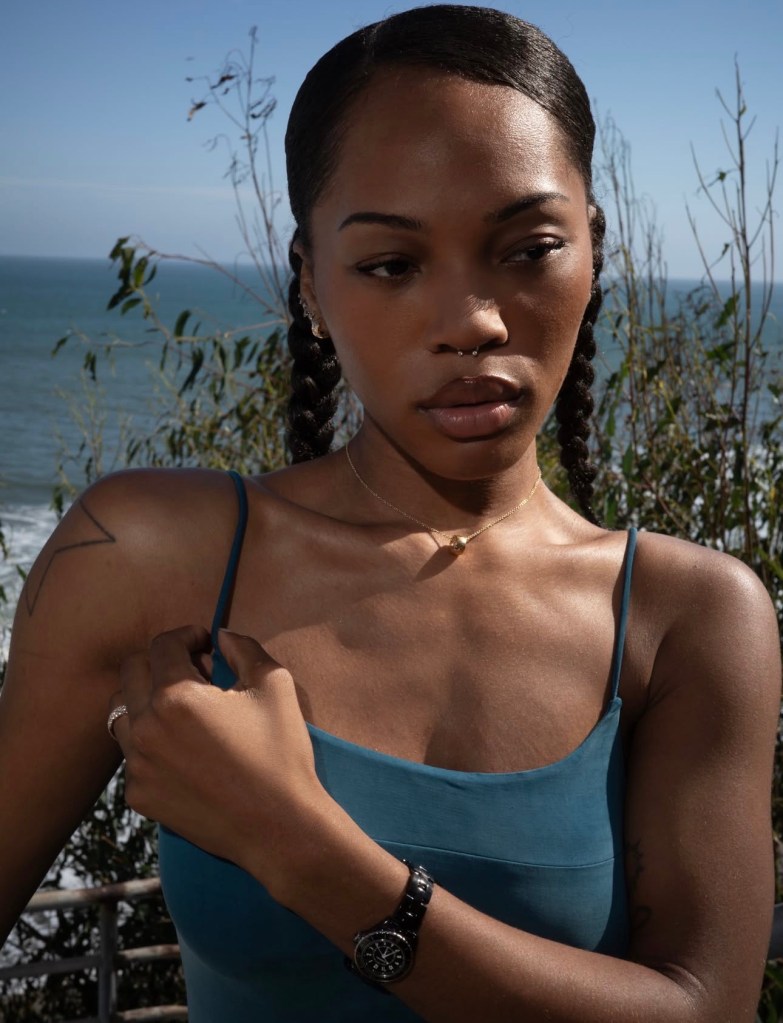
I began by researching beginner Lightroom tutorials, photography editing techniques, and the visual styles commonly seen in fashion and lifestyle content on Instagram and Pinterest. I also explored resources about editing melanated skin to help inform my approach to color and skin tone preservation. Using Adobe Lightroom and Canva, I developed a collection of presets alongside a visual guide that breaks editing into manageable sections covering lighting, coloring, and refinements. I tested the product with friends who had different levels of editing experience to evaluate how approachable the presets and instructions were. Their experiences helped me consider how the product could serve both beginners and creators who were already familiar with other editing tools.
Photo Inspiration




Helpful Sources
What I Built
- Lightroom preset collection: A selection of natural, warm, cool, and more stylized looks that gives creators different starting points for editing their photos.
- Beginner-friendly editing guide: An approachable introduction to Lightroom, with explanations of key tools and adjustments that help users understand how to edit their images.
- Practical editing instructions: Guidance on lighting, coloring, and refinements, including cropping and other adjustments, to help users personalize their edits rather than relying entirely on presets.
The complete preset collection and guide are packaged together for $12.
Results & Testing
I tested the product with friends who had varying levels of experience with photo editing, including people who were unfamiliar with Lightroom. This allowed me to explore whether the guide and presets could make the editing process easier to understand and follow.
The testing process highlighted the importance of explaining Lightroom-specific tools clearly and giving users the flexibility to adjust presets to suit their individual photos. It also reinforced the value of creating a product that teaches users editing techniques instead of simply providing a finished filter.
Testing takeaway: The product was designed to make photo editing feel more approachable while giving users the knowledge to continue developing their own editing styles.
Screens & Links
- Product cover: [Insert screenshot of the finished product cover or promotional design.]
- Inside the guide: [Insert screenshots of the lighting, coloring, and refinements sections.]
- Preset collection: [Insert screenshots showing the different preset looks and before-and-after examples, if available.]
- Product delivery: [Insert a screenshot showing how the guide and presets are packaged together.]
- Product link: [Insert your product page or demo link, if available.]
- Walkthrough: [Insert a short screen recording demonstrating the presets and guide, if available.]
What I’d Improve Next
- Expand user testing: Test the product with more beginner creators to identify confusing instructions, improve the guide’s clarity, and understand which features are most useful.
- Add more visual demonstrations: Include additional before-and-after examples and editing walkthroughs to show how lighting, color, and other adjustments affect different photos and skin tones.
Reflection
This project taught me that creating a digital product involves more than designing something visually appealing. I had to consider how people would actually use it, how to communicate technical information clearly, and how to make the experience accessible to users with different levels of experience. Ultimately, I wanted to create a product that not only helps people edit their photos but also gives them the confidence to experiment and develop their own visual style.

