Week 1 of Building: Lessons Learned
Developing my product idea
During my first week of building my Lightroom preset and editing guide, I have realized that creating the product is a lot more involved than I originally expected. When I first came up with the idea, I thought most of my time would be spent creating presets and putting together an easy-to-follow guide. Instead, I have spent a lot of time figuring out how much information to include, how to organize it, and how to make the guide useful for someone new to Lightroom.
So far, I have mainly been using Lightroom and Canva to build my guide, and using both platforms has gone smoothly because I am familiar with both. Now that I think about it, I think this was my best option considering I struggle with website development myself, so I am not sure how I would have done the web design guide. While I loved the fashion influencer calendar, I now realize that it would not have been able to fit everything I wanted into our 7-week course.
Messing around on lightroom
While I am familiar with these programs, I have still been experimenting with different Lightroom tools. This way, I can include more details in my guides that are coming directly from my experience with them. Apart from studying the program, I have also been having a lot of fun developing different presets. Making presets is not something new to me considering I make a new one every shoot that I do, but this time they had to have a specific purpose.
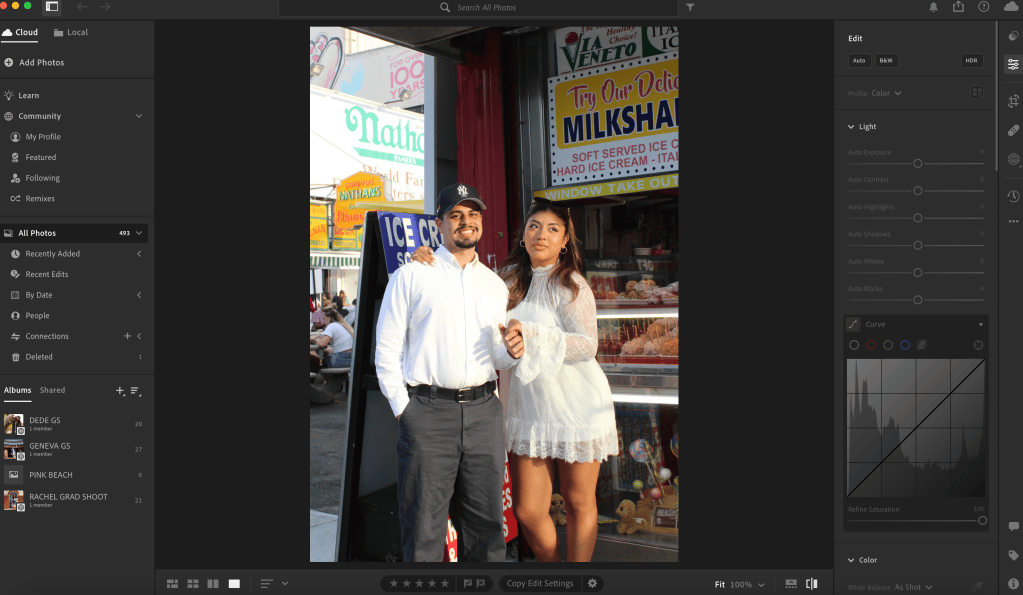
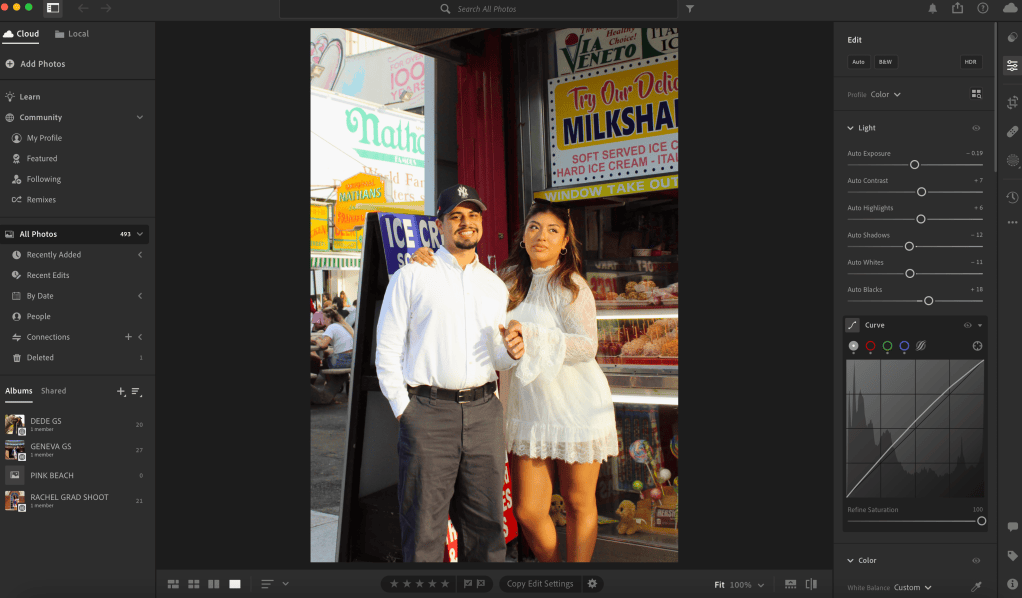
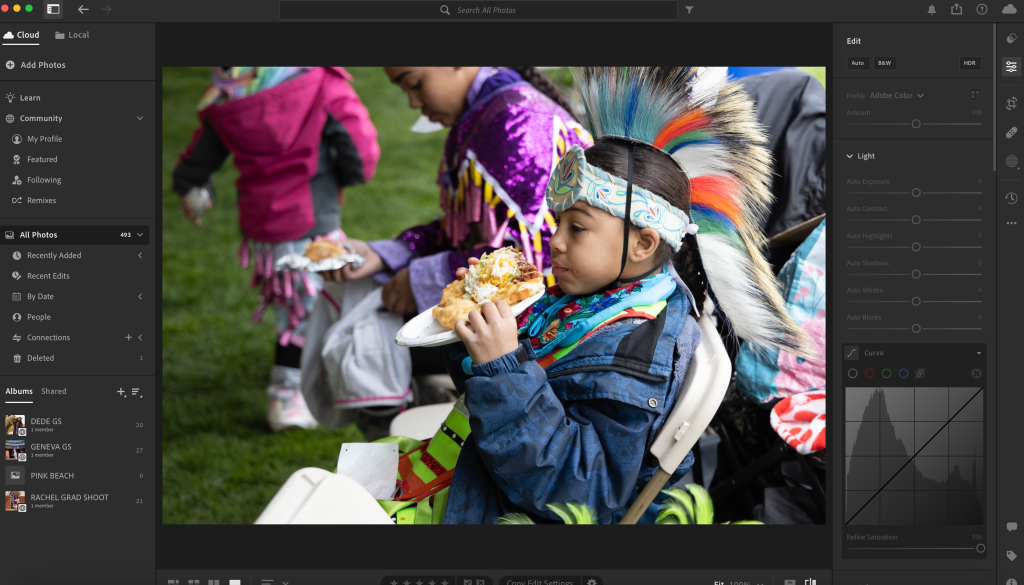
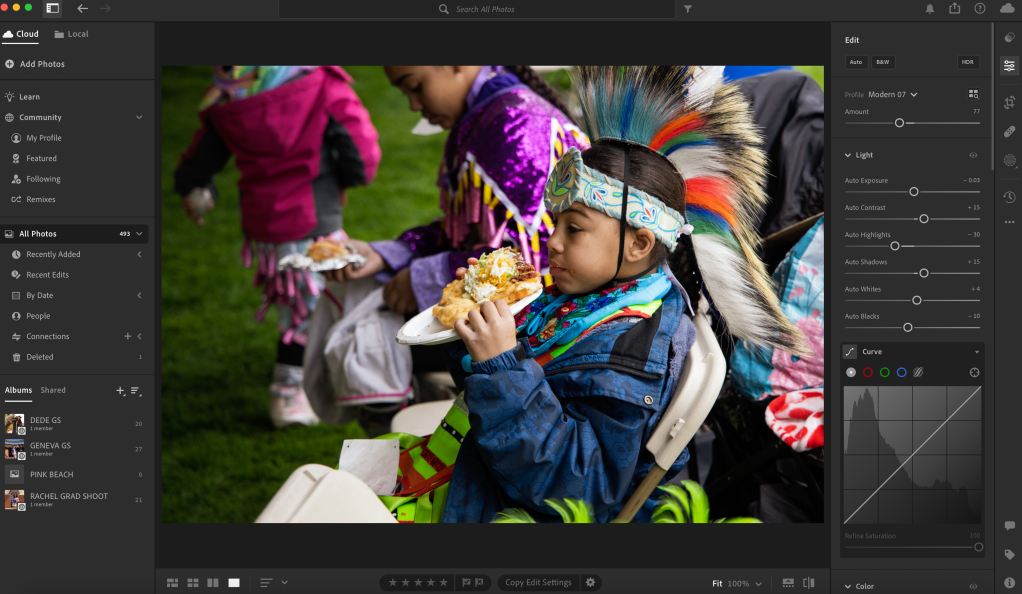
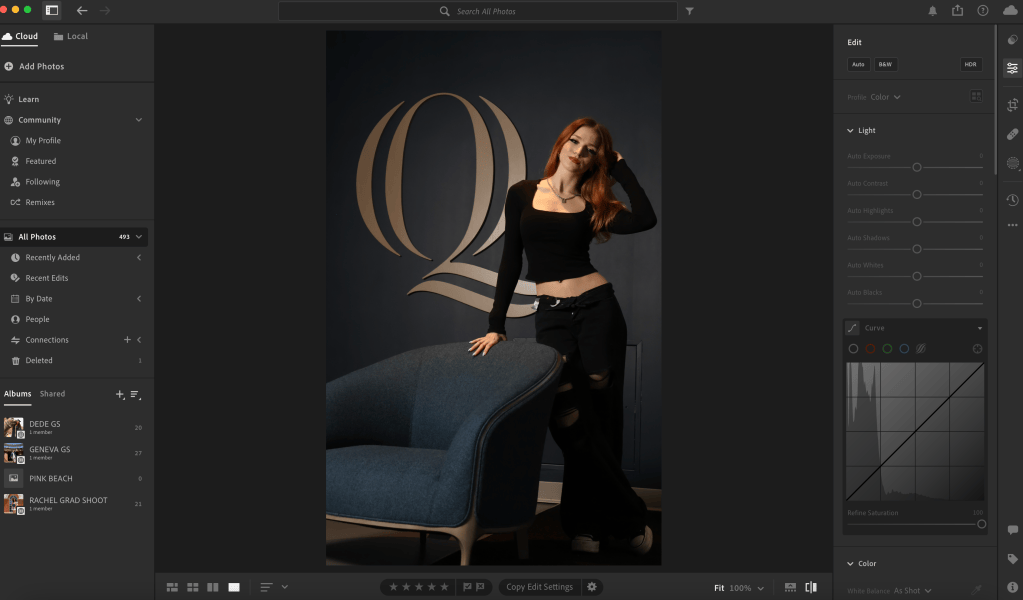
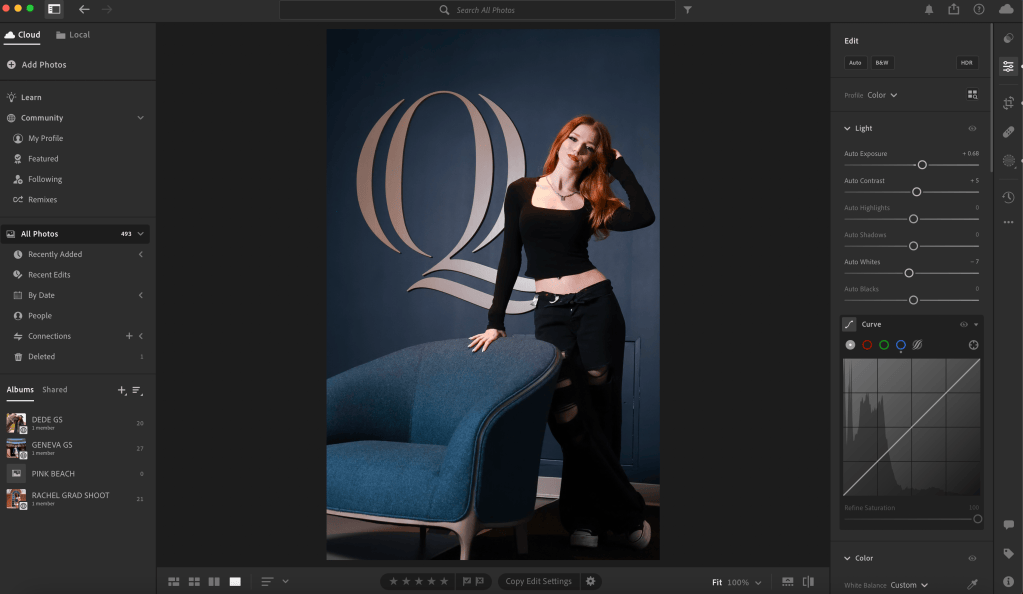
Some of the presets I have made are more noticeable and create a specific look, while others are meant to make subtle changes to lighting or coloring without completely changing the photo. This has helped me realize that I do not want the presets to feel like one-click fixes. I want the guide to show users how they can understand the changes and adjust them depending on their own photo.
I have also continued researching Lightroom and photo editing so I can make a guide that is supported by research and not just based off of my own use. Some of the resources I found include HoneyBook’s guide to editing melanated skin, which helped me think more about how editing choices can affect different skin tones. I really liked the way the website is broken down, and the knowledge I gained from this article will definitely stick with me as a photographer.
I also looked at Digital Photography School’s beginner guide to Lightroom and Sandy Noto’s Lightroom Classic guide. These resources gave me ideas for explaining Lightroom tools in a way that feels approachable for beginners. A lot of the information I read in these articles felt a bit repetitive from what I already know, but I think in a way, it reminded me of a lot of the different elements I should include if my guide is meant for beginners.
Piecing everything together
One of my biggest challenges this week has been deciding on the format. I originally thought I would organize the guide around individual presets, but I realize that depending on how many presets I create, there may be way too many guides. I even came up with various formats for my guide that I can still apply regardless of the way I go about organizing them.
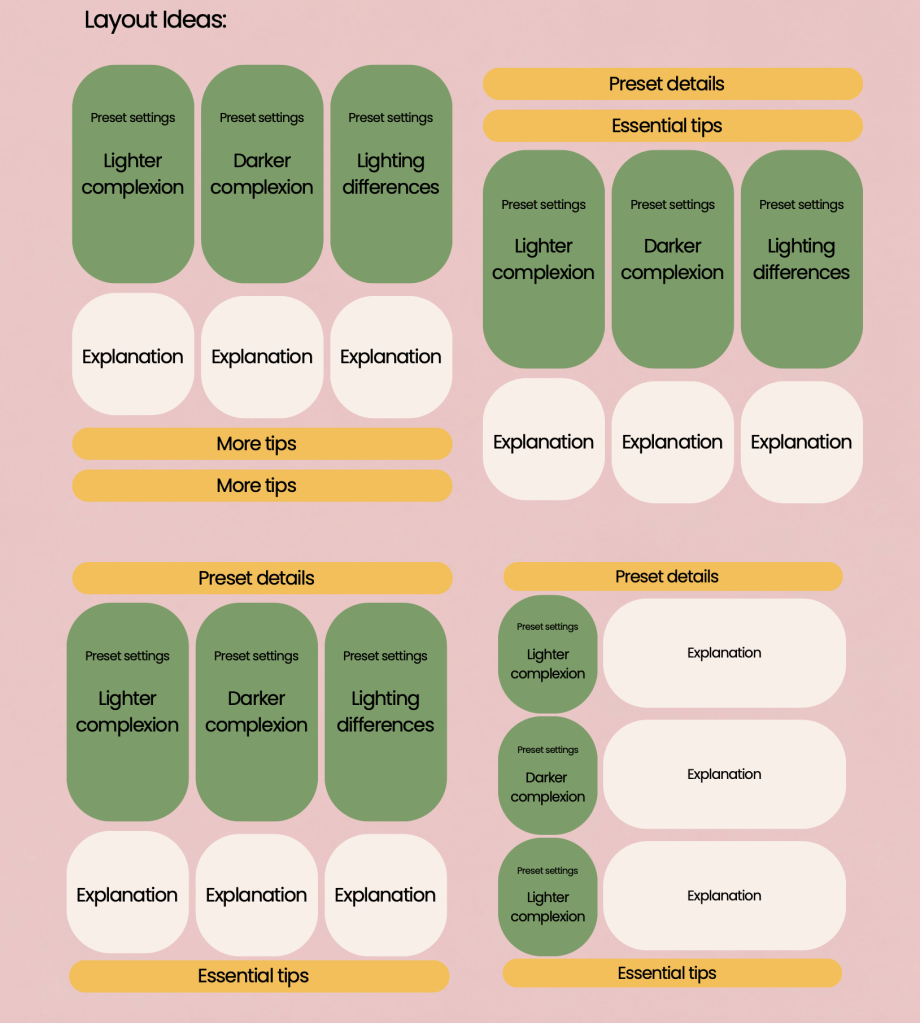
Ultimately, I think organizing it by editing category will make more sense for me. My current idea is to have one section focused on lighting, another focused on coloring, and a third focused on refinements, such as angling, cropping, and other final adjustments. I think I will have six presets, three that are fun and focus on color grading and three that feel more natural. These presets will be discussed in the guides, and since they will be grouped under different categories, I will divide them between the lighting guide and coloring guide.
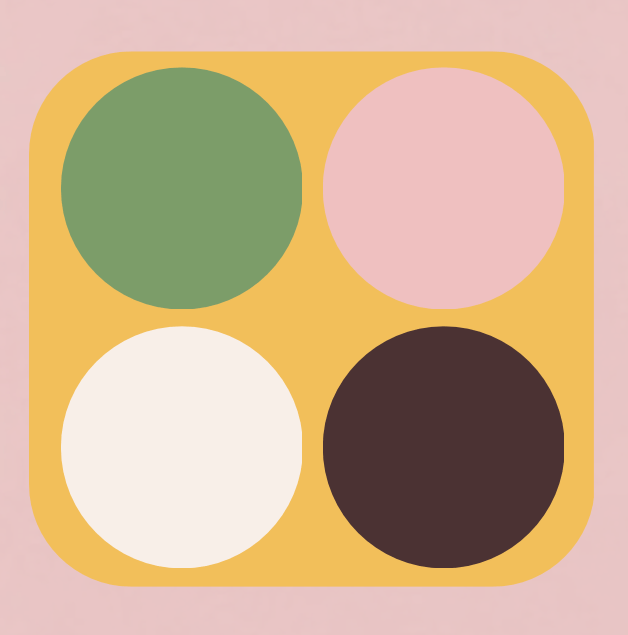
I have also finalized the general color palette for the guide, which has made the project feel much more real.
Moving forward, I want to keep developing my presets, finalize the three main sections, and begin adding the written explanations. I also plan to test the guide with people unfamiliar with Lightroom to see if they can use it successfully.
Developing a product like this can feel like a tedious process at first, but in the end, it is honestly rewarding knowing that you have spent time creating something that represents your mission! In this case, mine is education and inclusivity on social media platforms, so people can have a better idea of how to edit their photos effectively without wasting their time on filters that do not suit their photo.

