Create polished, cohesive photos without spending hours editing.
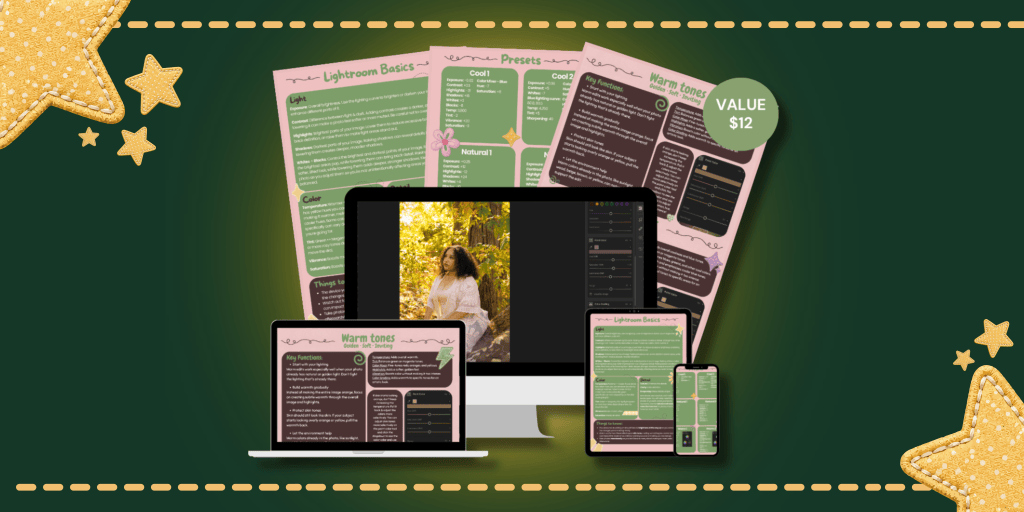
A beginner-friendly Lightroom preset collection and editing guide for creators, students, and anyone who wants their photos to look more intentional.
THE PROBLEM
Your photos shouldn’t have to feel like a guessing game.
You have a photo you love, but the colors don’t look quite right. You spend forever adjusting the lighting, contrast, and colors, only to end up with something that still doesn’t feel cohesive.
Maybe you’ve opened Lightroom and thought:
•“I don’t even know where to start.”
•“Why does my photo look completely different after I edit it?”
•“How do people get their photos to look so consistent?”
You shouldn’t have to be an expert in photo editing to create photos you’re proud of.
MEET THE PRODUCT
Meet your new editing shortcut.
I created a beginner-friendly Lightroom preset collection paired with a simple editing guide to help you create polished, cohesive photos with less guesswork.
Instead of starting every edit from scratch, you can apply a preset, make a few adjustments, and create a look that feels like you.
You get the tools and the guidance to edit with confidence.
WHAT YOU’RE GETTING
Everything you need to start editing with confidence.
Lightroom Preset Collection
Create a consistent look across your photos without starting every edit from zero with three essential preset tones; natural, warm, and cool.
Beginner Editing Guide
Learn how to apply and adjust your presets so you understand what you’re changing.
Editing Examples
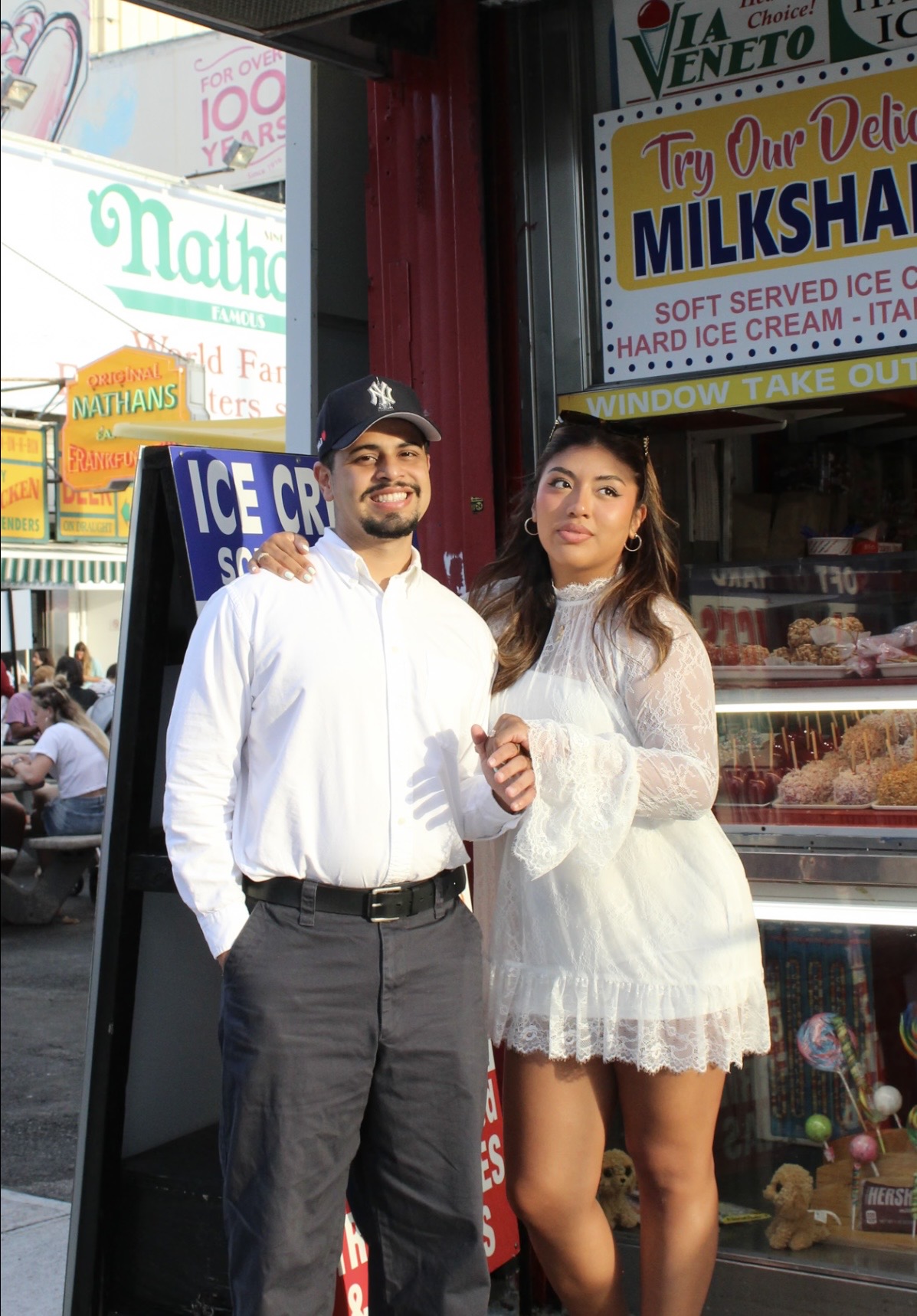
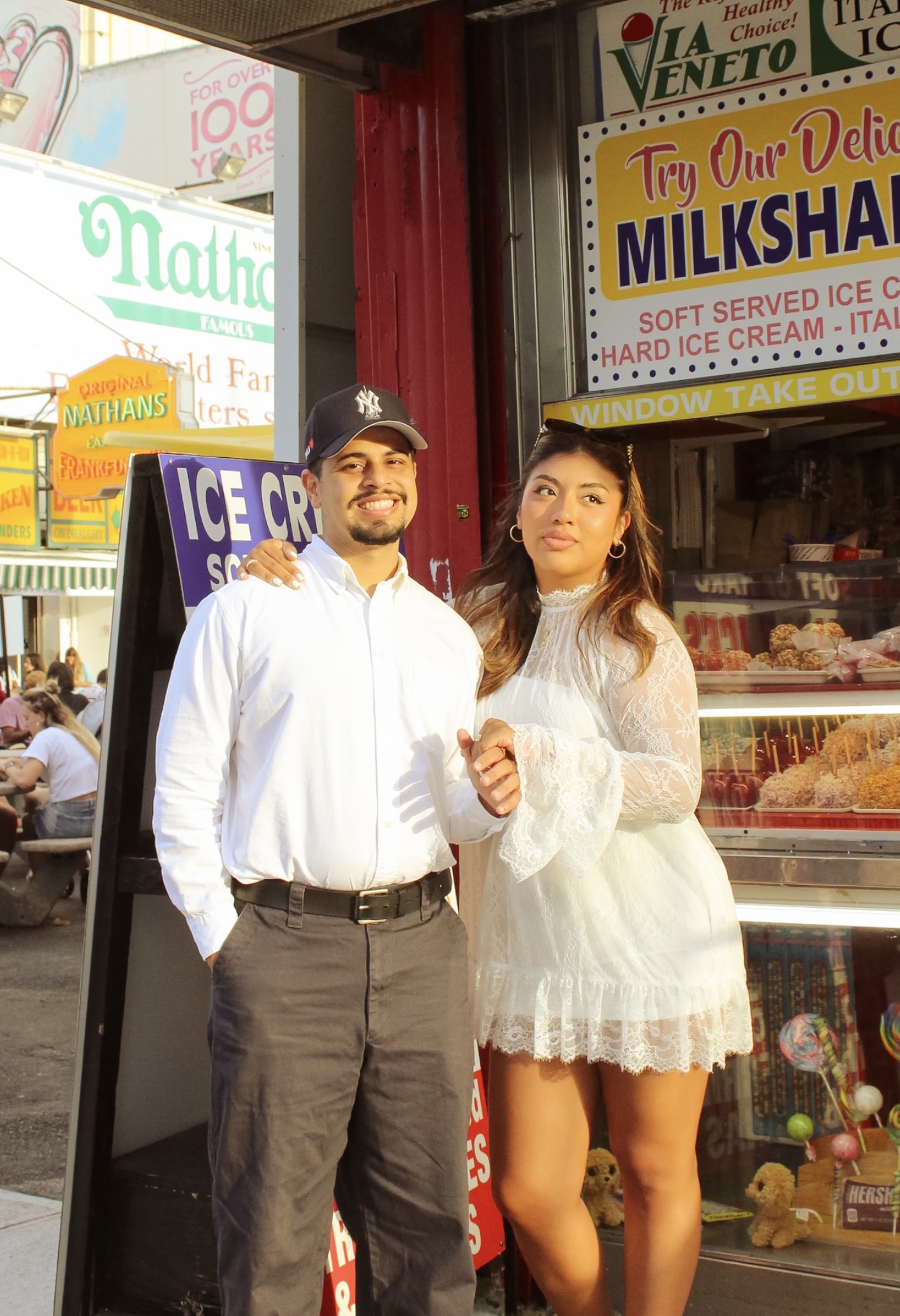
See how the presets look on different types of photos and lighting situations.
Quick Adjustment Tips
Make small changes to exposure, temperature, and other settings when a preset needs a little extra tweaking.
Simple Step-by-Step Instructions
Follow along without needing advanced Lightroom experience.
PRESET EXAMPLES




WHO’S THIS FOR?
Honestly everyone.
This is for you if…
•You’re new to Lightroom and want an easy place to start.
•You want your photos to have a more cohesive look.
•You create content for social media or a personal portfolio.
•You want to spend less time figuring out editing settings.
•You want to learn while still having presets to make editing easier.
This isn’t for you if…
•You’re looking for professional photo retouching services.
•You want someone else to edit your photos for you.
COMMENTARY
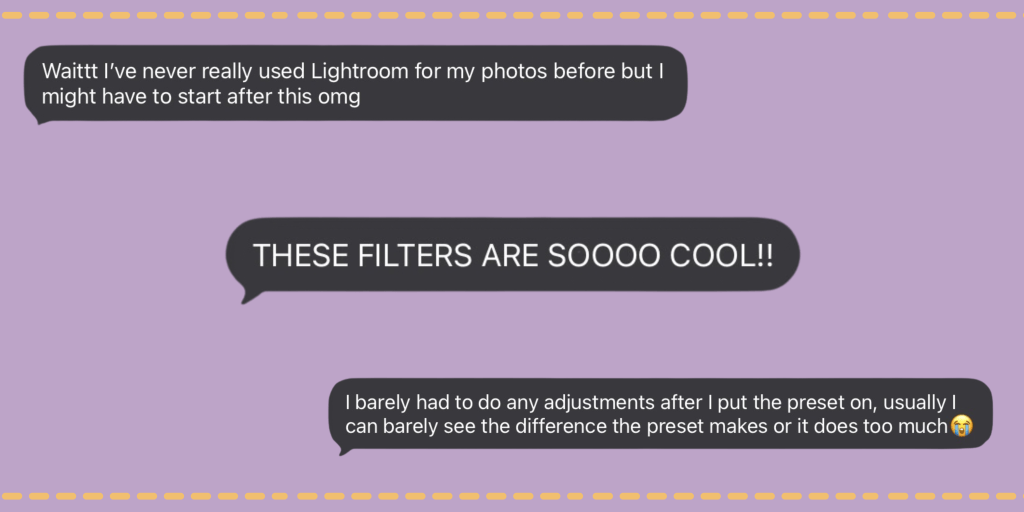
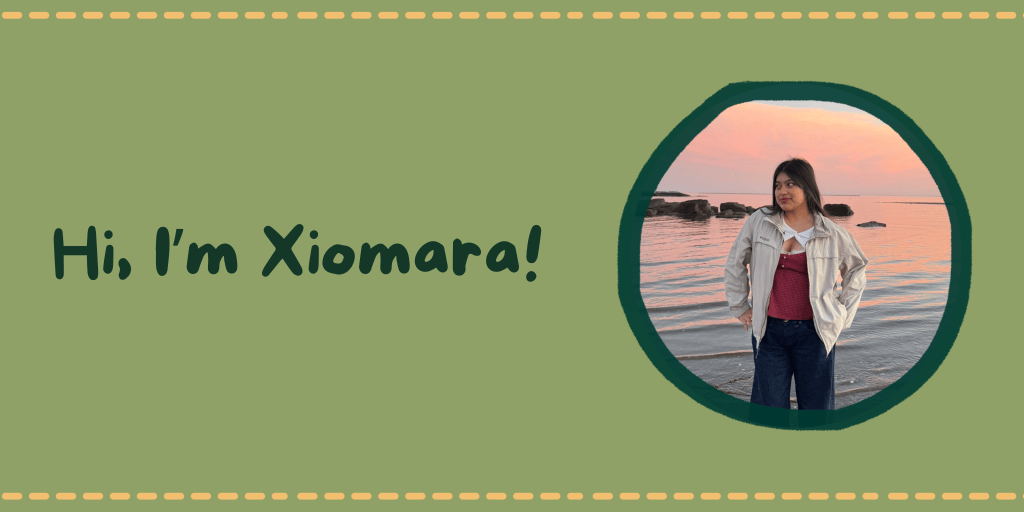
I’m a journalist and digital content creator with a passion for storytelling, visual media, and creating content that feels authentic.
I developed this product because editing shouldn’t feel intimidating, especially when you’re just starting out. I wanted to create something beginner-friendly that gives you a starting point while also helping you understand the editing process.
Whether you’re creating content, building a portfolio, or simply want your personal photos to look more polished, this guide is designed to help you edit with more confidence.
THE OFFER
Your purchase includes:
✓ Lightroom preset collection
✓ Beginner editing guide
✓ Step-by-step Lightroom instructions
✓ Editing examples
✓ Quick adjustment tips
Get everything for $12!
Try it with confidence.
If the product doesn’t meet your expectations, you can reach out for support at xiomarasaavedravicente@gmail.com
FAQ – Frequently Asked Questions
Do I need experience with Lightroom?
No. This product is designed for beginners and includes step-by-step instructions to help you get started!
What do I receive?
You’ll receive the Lightroom preset collection along with a beginner-friendly editing guide and instructions for using the presets.
Can I use the presets on different types of photos?
Yes. The guide includes examples showing how the presets can be adjusted for different photos and lighting conditions.
Do I have to use the presets exactly as they are?
No. Presets are meant to be a starting point. You can make adjustments to create a look that works for your individual photo and style.
Is this product for social media content?
Yes. The presets can be used to create a more cohesive look for personal feeds, content, and creative portfolios.
ARE YOU READY?
It’s time to make editing a little easier!
Stop editing every photo from scratch and get the Lightroom preset collection and beginner-friendly editing guide.
This package will not only enhance your photos, but it will teach you the basics of editing so you can confidently edit your own photos in the future.

